tic-tac-toe
Tick, Tack, Toe Game.
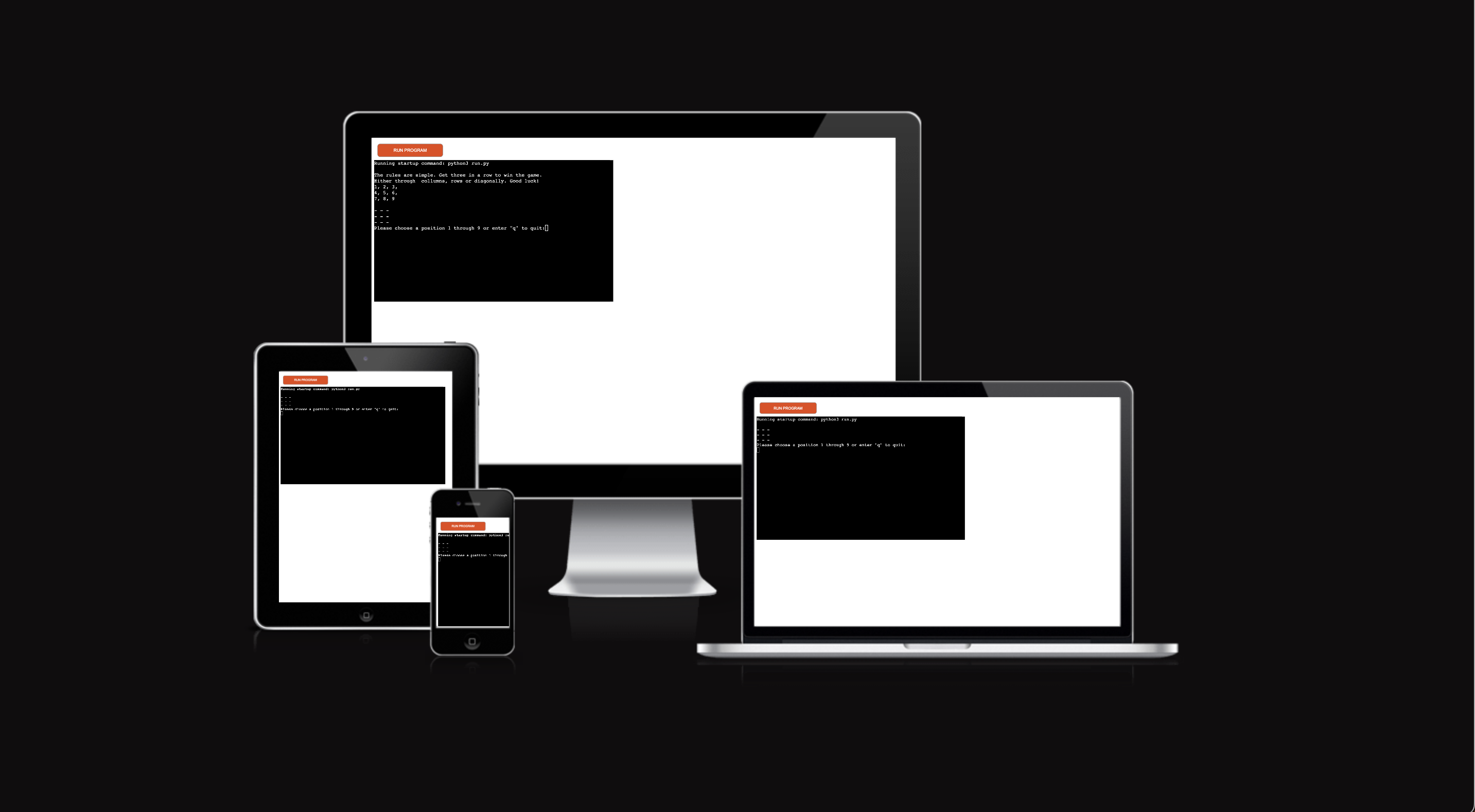
The perfect Tic, Tac, Toe game is a Python terminal game that runs in the Code Institute mock terminal on Heroku. It’s a fun and interactive game that takes us right back to our childhood memories. Challenge yourself in a single-player game, or get revenge from your long-time rival in a multiplayer game.
Here Is the live version if my README.md
Here Is the live version if my project
How to play
Tic, Tac, Toe is a single or multiplayer game. In the game, there is a board with 3 x 3 options.
(If multiplayer) The players take a turn putting marks on the 3 x 3 board. The end goal of the game is to be the player that gets three of the same symbols in a row, horizontally, vertically, or diagonally. The player that first gets 3 of his/her symbols in a row wins the game.
## Game Rules A player can choose between two symbols with his opponent, the usual game uses “X” and “O”.
-
The player that gets to play first will get the “X” mark (we call him/her player 1) and the player that gets to play second will get the “O” mark (we call him/her player 2).
-
Players 1 and 2 take turns making moves with Player 1 playing mark “X” and Player 2 playing mark “O”.
-
A player marks any of the 3x3 squares with his mark (“X” or “O”) and their aim is to create a straight line horizontally, vertically, or diagonally with two intentions:
-
One of the players gets three of his/her marks in a row (vertically, horizontally, or diagonally) i.e. that player wins the game.
-
If no one can create a straight line with their mark and all the positions on the board are occupied, then the game ends in a draw/tie.
Fulfillment Plan
The fulfillment plan is as follows:
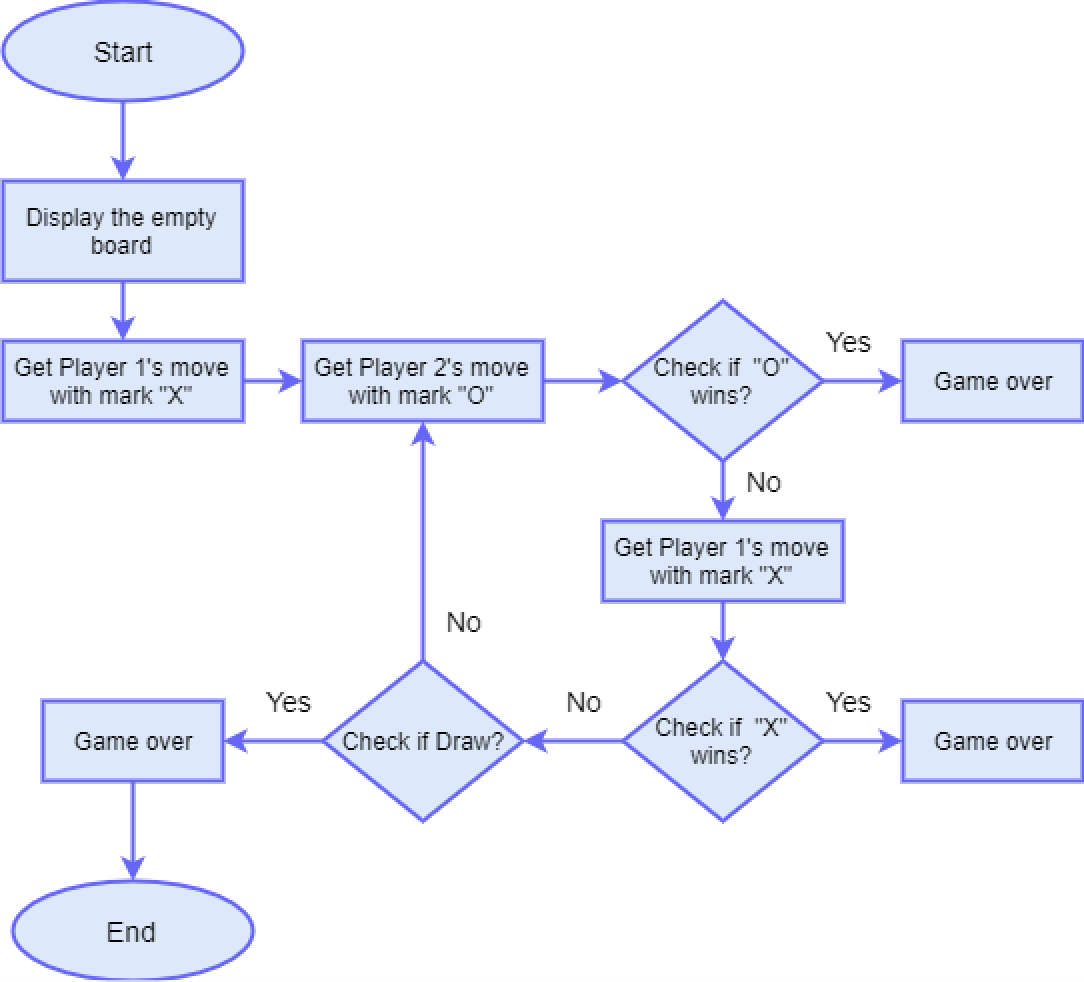
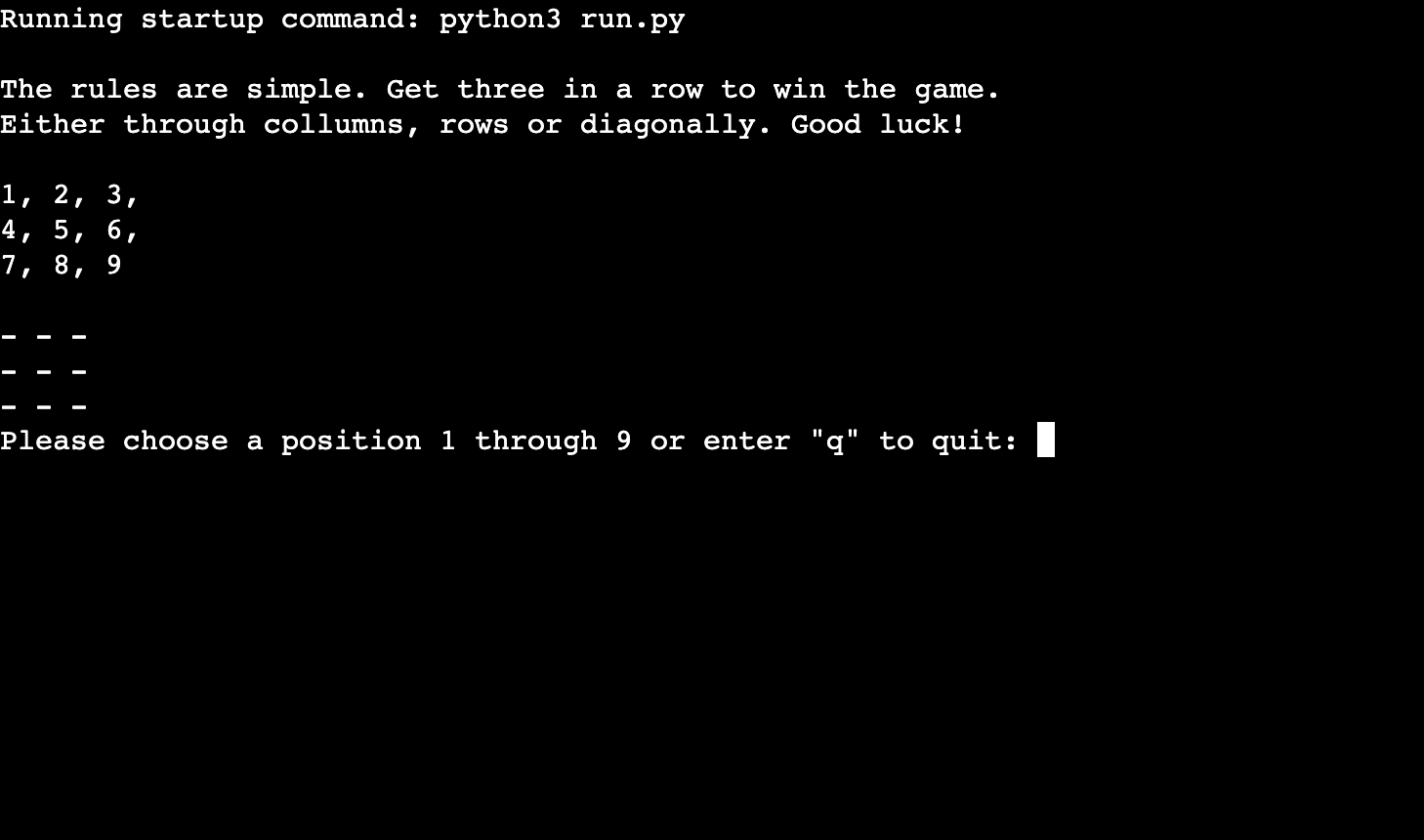
To help visualize the defined game rules and description, the game is shown below.
- First, the game will start with a rule description on how to play.
- Under the rules, there will be an example board that shows each position’s number.
- Under the example, the board is the official game board.
- And under the game board, there is an instruciton on what to do and how to quit the game.
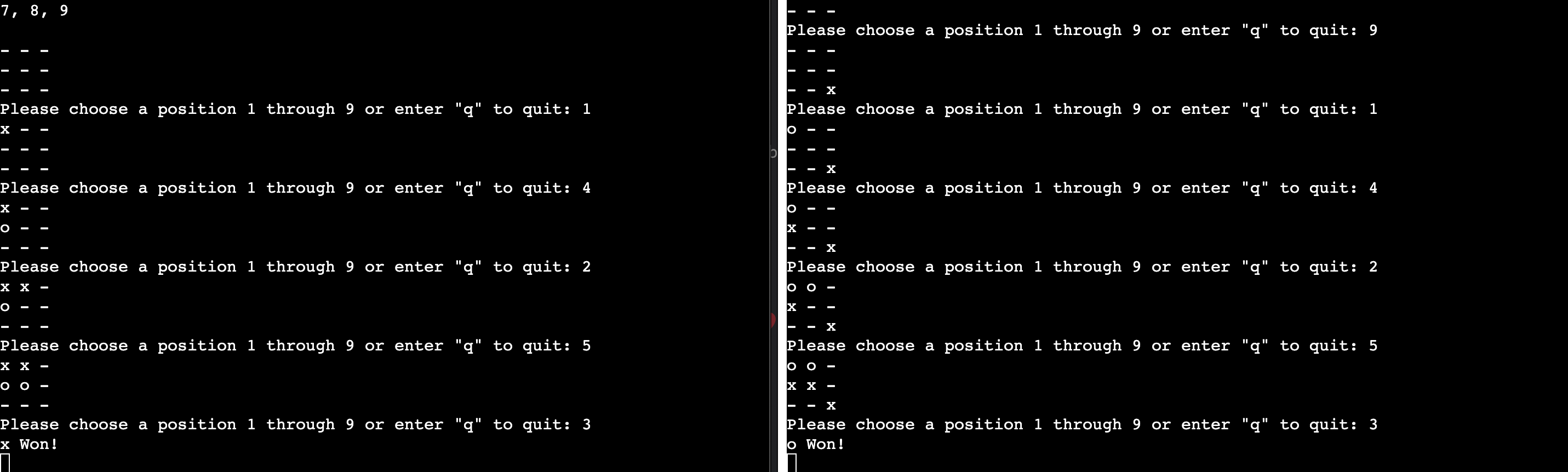
Then Player 1 will make his/her move by placing his “X” mark on the board. Then Player 2 will make his/her move by placing the mark “O” on the board. This will keep on going until the board is full of marks.
Then the program will check if Player 1 with “X” wins or Player 2 with “O” wins and that scenario will be as follows: (could be vertically, horizontally, or diagonally).
If none of the players win, the program will check for a draw.
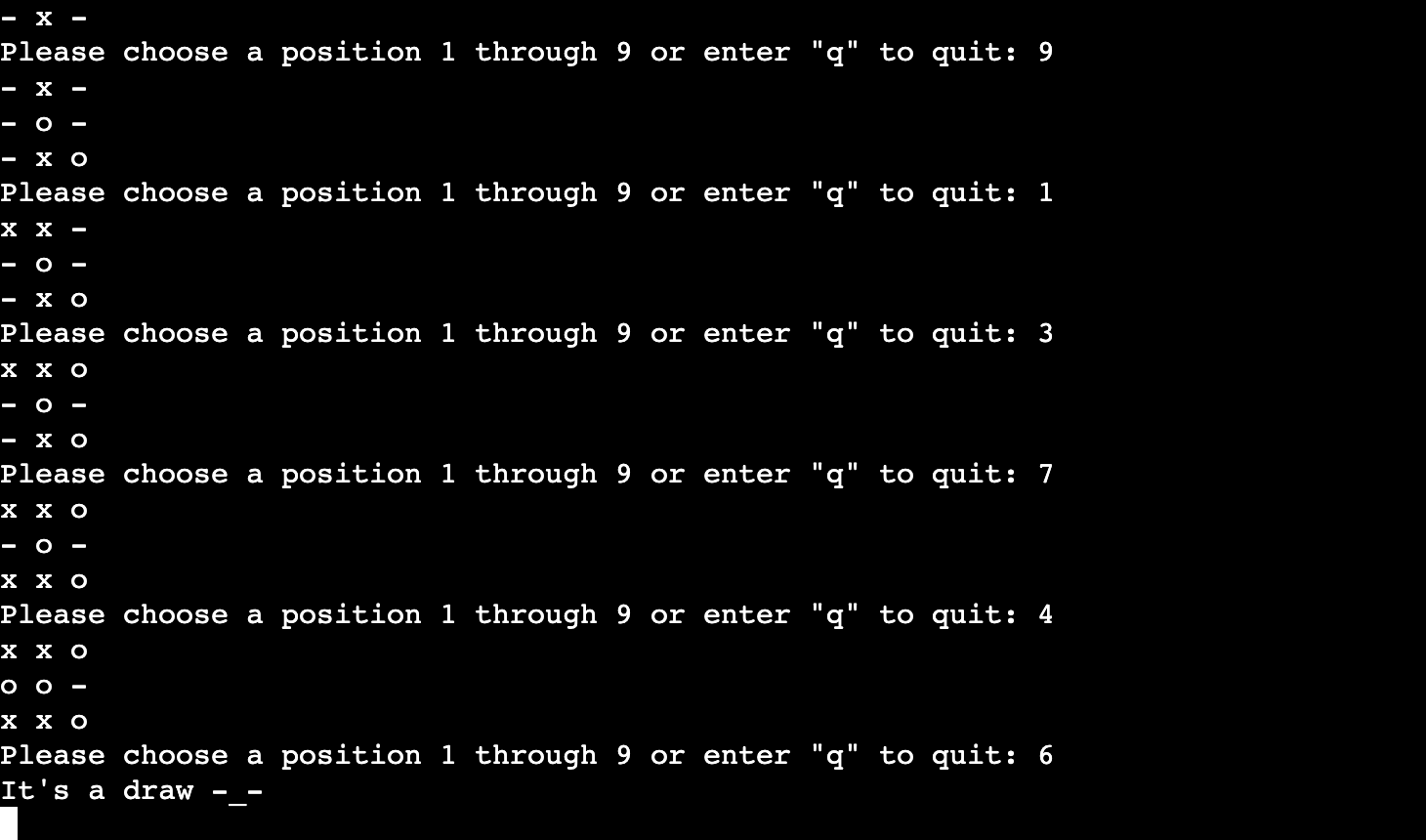
## Features ### Existing features
-
Board Generation
- Accepts user input
- Checks for wins
- Checks for a draw
-
Checks for loss
- Input validation and error checking
-
- You cannot enter a number smaller than 1 or bigger than 9.
-
- You must enter a number.
-
- You cannot choose a position already taken.
-
- You can press q to quit the game.
## Future Features
- Play against the computer.
- Choose the difficulty level on the computer.
- keep scores.
- Play multiple rounds
## Testing I have manually tested this project by doing the following:
- Passed the code through a PEP8 linter and confirmed there are no major issues.
- given invalid inputs: strings when numbers are expected, out-of-bound inputs, same input that is already occupied.
### Bugs #### Solved bugs
-
I was having difficulties with how to read numbers inside a string. I found the solution on W3Schools to use “.numeric”. That solved my issue.
-
I also had issues when entering a valid number it told me “Please try again”. I found that the mistake I made from Youtube that I had forgotten to enter what my isnum is going to return. The solution was to enter a boolean to check if I entered a number. If the boolean was true it would allow me to enter a number without any errors.
-
Another issue a ran into was how to give the player the option to enter “q” to quit. First I tried using a break to end the game, but it was not working. After speaking to tutor support and doing further research I found that we can’t break because we are not in a loop. So I resorted back to booleans to solve the issue.
### Remaning bugs
- Small cautions still remain, most of them regarding to “redefined outer name”.
### Validator testing
- Extends Class
-
- No errors were returned from Extendsclass.com
## Deployment This project was deployed using Code Institute’s mock terminal for Heroku.
- Steps for deployment:
-
- Create a new Heroku app
-
- Set build packs to python and node.js
-
- Link the Heroku app to the repository
-
- Click on Deploy
### Credits